

 Platform
 W&B Models
 W&B Weave
 W&B Inference
 W&B Training
 Release Notes
Start logging to W&B
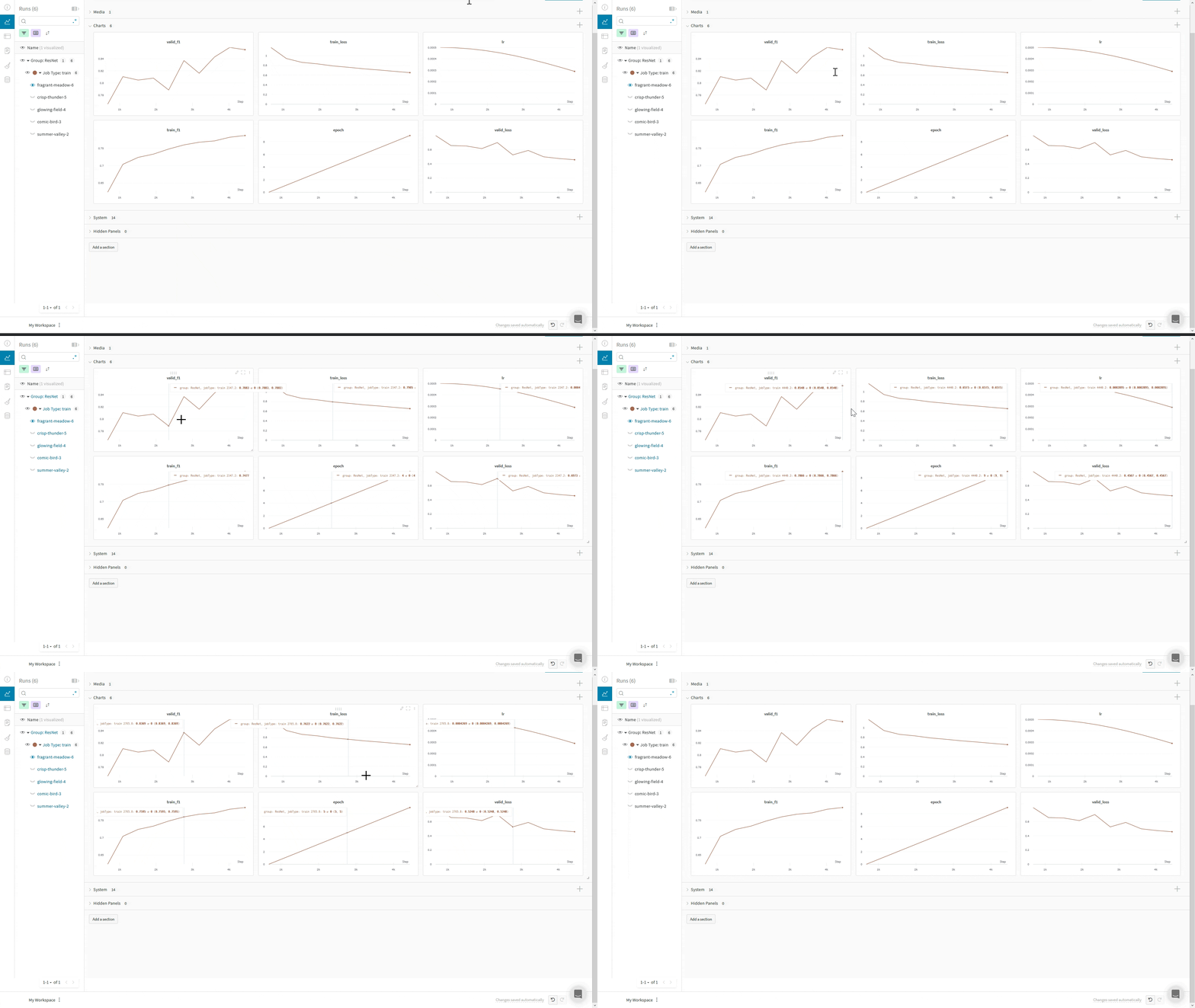
Use Composer’s WandBLogger
The Composer library uses WandBLogger class in the Trainer to log metrics to W&B. It is as simple as instantiating the logger and passing it to the Trainer.
Logger arguments
Below the parameters forWandbLogger, see the Composer documentation for a full list and description.
| Parameter | Description |
|---|---|
project | W&B Project name (str, optional) |
group | W&B group name (str, optional) |
name | W&B Run name. If not specified, the State.run_name is used (str, optional) |
entity | W&B entity name, such as your username or W&B Team name (str, optional) |
tags | W&B tags (List[str], optional) |
log_artifacts | Whether to log checkpoints to wandb, default: false (bool, optional) |
rank_zero_only | Whether to log only on the rank-zero process. When logging artifacts, it is highly recommended to log on all ranks. Artifacts from ranks ≥1 are not stored, which may discard pertinent information. For example, when using Deepspeed ZeRO, it would be impossible to restore from checkpoints without artifacts from all ranks, default: True (bool, optional) |
init_kwargs | Params to pass to wandb.init() such as your wandb config etc. See the wandb.init() parameters for parameters that wandb.init() accepts. |
Log prediction samples
You can use Composer’s Callbacks system to control when you log to W&B via theWandBLogger, in this example a sample of the validation images and predictions is logged: